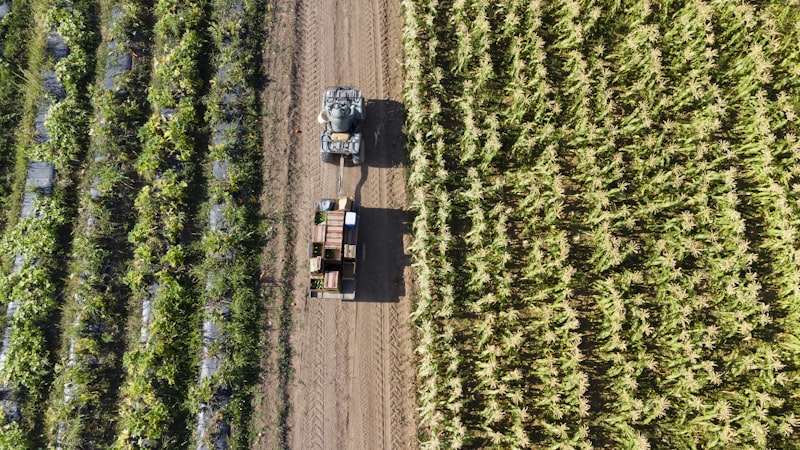
Smart fleet management for every vehicle

Real-time GPS tracking and CAN bus data in one place – from agriculture to heavy trucks.

500+
Devices
30 mp
Update cycle
GPS + CAN
Data types
Services

Everything you need

From GPS tracking to CAN bus analytics – complete fleet intelligence on one platform.

GPS Tracking
GPS Tracking
Real-time position and route history for every device. From agriculture to heavy trucks.
CAN Bus Analytics
CAN Bus Analytics
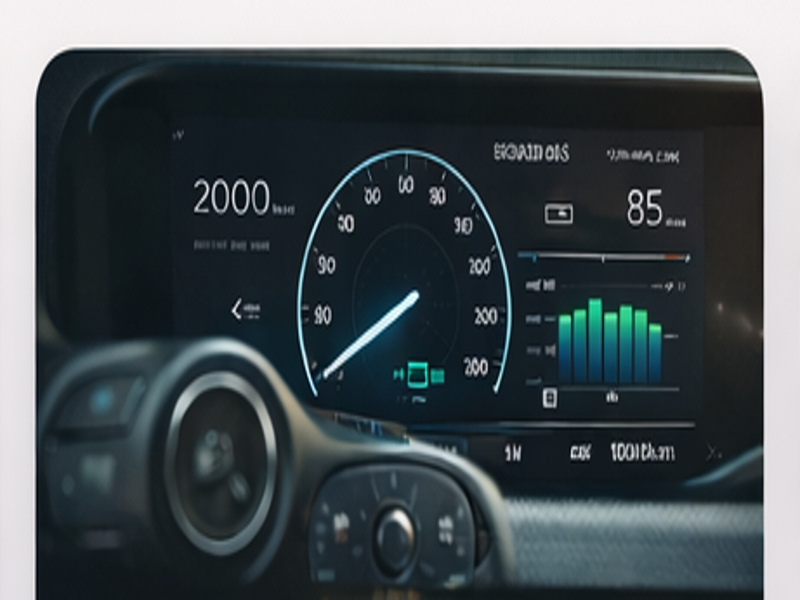
Live CAN bus data: RPM, fuel level, load – directly from the vehicle's on-board computer.

Engine Hour Monitoring
Accurate engine hour tracking for maintenance planning. Automatic alert when threshold is reached.
Fault Code Alerts
Real-time DTC fault code detection and identification. Email alerts to service and operators.
Vehicles

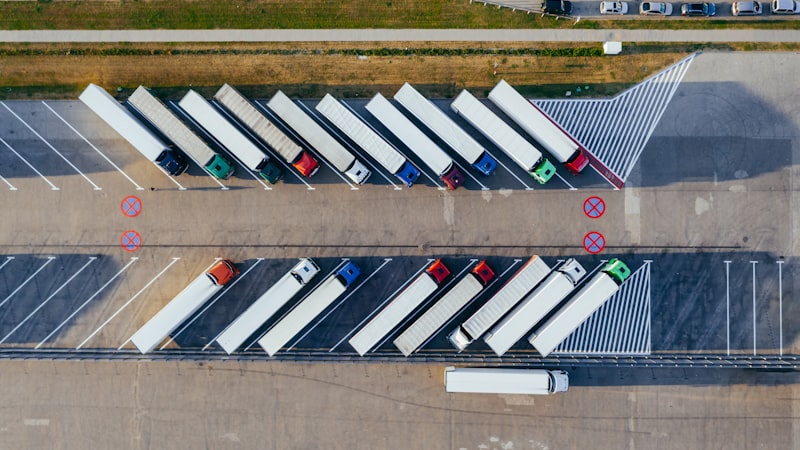
Supported Vehicles

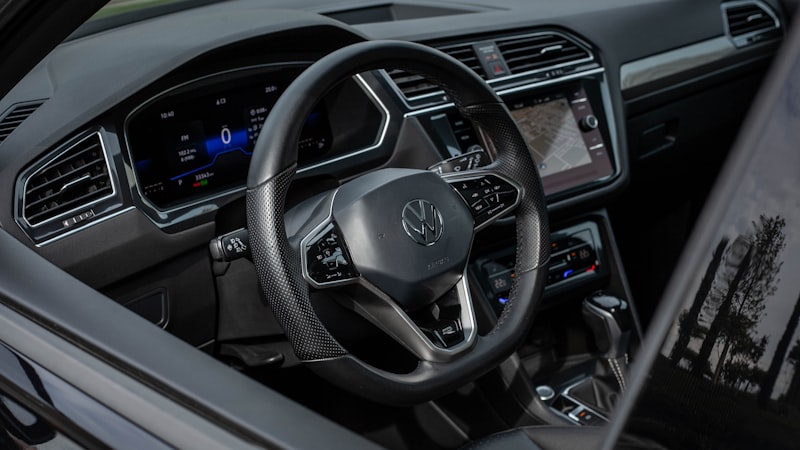
Browse the makes and models in our database to see what data is available for your vehicle.

Pricing

Simple, transparent pricing

Choose the plan that fits your fleet. Switch anytime.

Basic
For small fleets
No professional installation required
GPS tracking – real-time
Route history (30 days)
Engine hour counter
Basic alerts (on/off events)
Up to 5 devices
Recommended
Premium
For professional fleet management
No professional installation required
GPS tracking – real-time
Route history (365 days)
Full CAN bus data
Fuel level monitoring
Fault code (DTC) alerts
Email + SMS alerts
Unlimited devices
API access
Enterprise
For large fleets – custom agreement
No professional installation required
All Premium features
Dedicated server option
Custom integrations
SLA agreement
Personal account manager
Billing system integration
Articles

Our latest articles

Useful insights about fleet management and telematics.

How to Reduce Fuel Consumption with Fleet Management?

How to Reduce Fuel Consumption with Fleet Management?

Real-time GPS tracking and CAN bus data analysis can result in up to 15-20% fuel savings.

GPS Tracking in Agriculture: Precision Farming

GPS Tracking in Agriculture: Precision Farming

GPS tracking of agricultural machinery helps optimize operations, reduce overlaps, and increase efficiency.

CAN Bus Data: What It Shows and Why It Matters

CAN Bus Data: What It Shows and Why It Matters

CAN bus is the internal communication network of vehicles. FTLink collects and analyzes this data in real-time.

FAQ

Frequently asked questions

Answers to the most common questions about FTLink.

What types of vehicles can the FTLink system be used with?

The FTLink system can be used with any type of vehicle that has a CAN bus interface or OBD-II connector. This includes:

  • Agricultural machinery (tractors, combine harvesters, self-propelled sprayers)
  • Construction equipment (excavators, loaders, dump trucks)
  • Commercial vehicles (trucks, vans)
  • Passenger cars (corporate car fleets)

The system is manufacturer-independent – the vehicle brand does not matter.

How often are GPS and CAN data updated?

The FTLink system sends data packets to the server every 30 seconds by default, which include:

  • GPS position (latitude, longitude, altitude, speed)
  • CAN bus data (RPM, fuel level, temperature, operating hours)
  • DTC fault codes (if any)

This update cycle is fast enough for most fleet management tasks while optimizing data traffic and device power consumption.

How is the device installed?

The telematics device is installed by our professional technicians, typically within 1-2 hours. The process:

  1. Connecting the device to the vehicle's CAN bus interface
  2. Placing the GPS antenna (for optimal reception)
  3. Connecting power to the vehicle's battery
  4. Registering the device in the FTLink system
  5. Testing operation and calibration

After installation, the device immediately starts sending data, and the vehicle becomes visible on the web interface.

Is it possible to review historical data?

Yes! The FTLink system provides unlimited historical data access. All GPS positions and CAN bus data are stored with timestamps in the database.

On the web interface, you can:

  • Replay routes (map animation)
  • View CAN data in charts (RPM, consumption, temperature timeline)
  • Export data in CSV format
  • Filter by date, vehicle, and data type
How much does the service cost?

FTLink service pricing depends on fleet size and the chosen plan. Our current pricing plans can be viewed in the Pricing section on this page.

In general:

  • Device cost: one-time fee (includes installation)
  • Service fee: monthly subscription per device
  • Annual subscription with discounted rates

For a custom quote, please contact us through the Contact section.

What alerts do I receive from the system?

The FTLink system sends numerous automatic alerts:

  • Geofence alert – when a vehicle leaves the designated area
  • Speed violation – based on configurable thresholds
  • DTC fault code – real-time error signal from the engine control unit
  • Operating hours warning – maintenance reminder
  • Fuel level drop – unusual consumption notification
  • Battery voltage – low charge alert

Alerts appear both via email and on the web interface. Push notifications in the mobile app coming soon.

Is internet required in the vehicle for FTLink to work?

No separate internet subscription is needed for the vehicle. The FTLink device has a built-in SIM card that communicates with the server via the mobile network (2G/4G).

The SIM card cost is included in the monthly service fee, so there are no hidden costs.

If the vehicle enters an area without mobile network coverage (e.g., deep valley, tunnel), the device stores data locally and automatically uploads the missing data to the server once it returns to a coverage area.

Contact

Get in touch

Have a question? Write or call us – we'll get back to you soon.

Customer Service
Monday–Friday: 08:00–16:00 Saturday–Sunday: CLOSED
Follow us